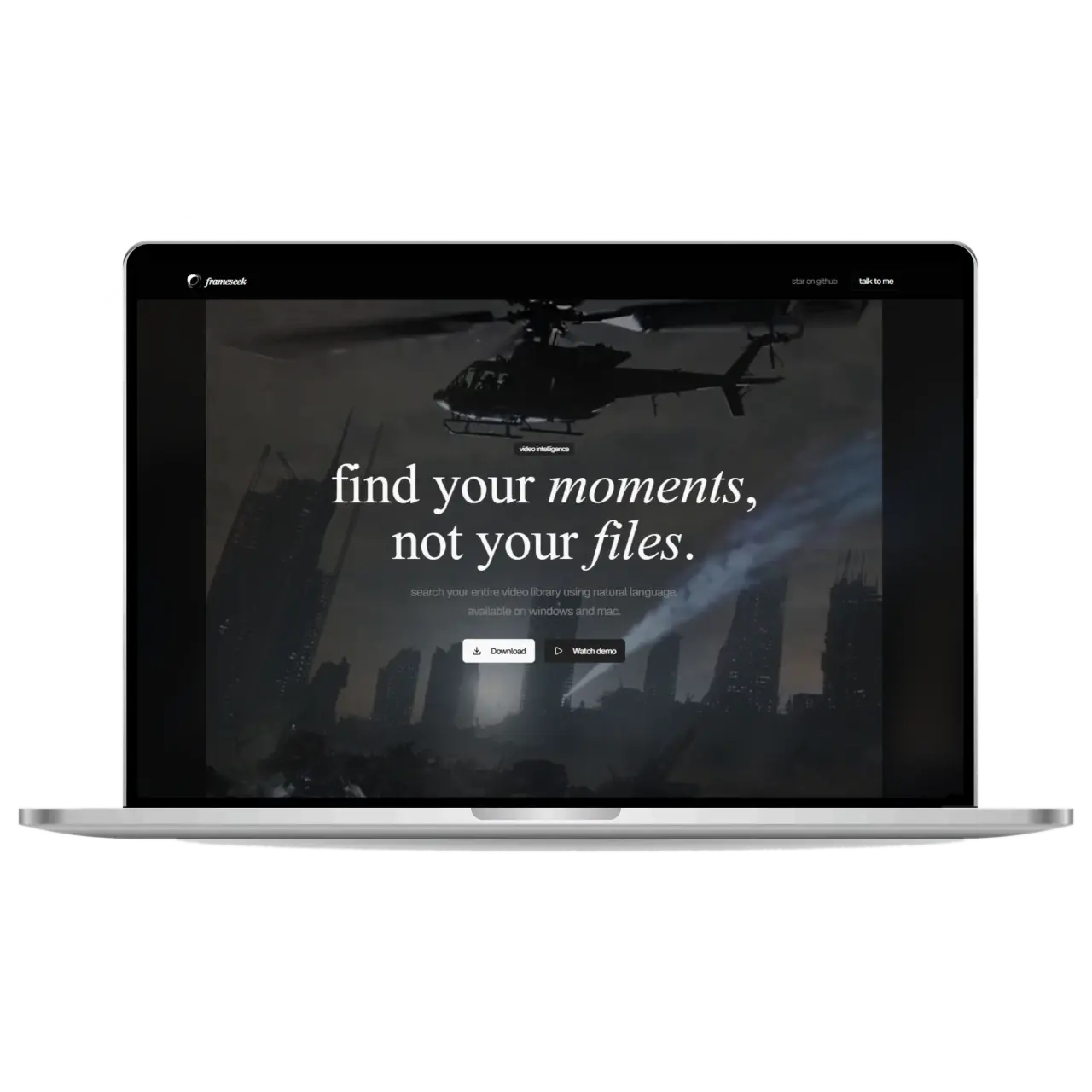
"Stop manually scrubbing through footage. Search your local video library using natural language."
I initially built FrameSeek as a deep dive to learn how to architect and package robust desktop applications. What started as a learning exercise evolved into a fully-fledged proprietary desktop app for intelligent media search.
The Problem
Finding a specific moment in a massive local library of raw video files or downloaded media is tedious. You typically have to rely on basic file names or waste hours manually scrubbing through timelines to find that one specific clip or scene.
The Solution
FrameSeek acts as a local search engine for your personal media. By extracting frames and generating vector embeddings on your machine, it allows you to query your local video files using natural language (e.g., "a red car driving in the rain" or "people sitting around a campfire") and instantly jump to the exact timestamp.
Key Features
- 🔍 AI-Powered Semantic Search: Search through your videos using natural language, powered by Google's Generative AI (Gemini) and local vector embeddings.
- 🔐 Privacy First: Frame extraction and vector databases (
vectra) are handled entirely locally. Your media never leaves your machine. - ⚙️ Local Media Indexing: Seamlessly process local video files using integrated FFmpeg.
- 🎨 Sleek Desktop Experience: A modern, dark-mode-first interface built with React 19, Tailwind CSS v4, Framer Motion, and Shadcn UI.
- 🔑 Secure Configuration: Safely store your API keys and application settings locally via
electron-store.
Tech Stack
I chose a stack that bridges web technologies with native desktop capabilities:
- Core Framework: Electron + electron-vite
- Frontend: React 19 + TypeScript
- Styling: Tailwind CSS v4 + shadcn/ui + Framer Motion
- AI & Data:
@google/generative-ai,vectra(Local Vector DB) - Media Processing:
ffmpeg-static,ffprobe-static
Links
-
Watch Instagram Demo Note: FrameSeek is a proprietary, closed-source application. However, the landing page is open source.
-
Download FrameSeek — Visit the official site to download the Windows or macOS installer files.